
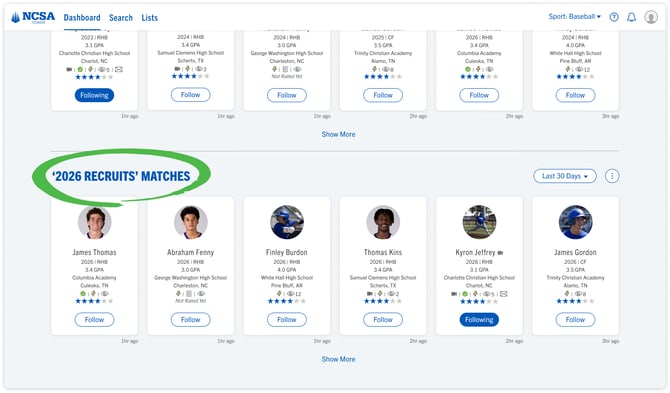
Why are new matches to my saved search helpful?
- NCSA is showing you the newest matches to a saved search you have created
- Connecting with new matches to your saved search criteria can help save you time in your recruiting process.
Matches to a Saved Search Appearing on the Dashboard
- If you do not see any saved search lane at all on the your Dashboard you will need to create a saved search. You can find directions for that here.
- If you would like a different saved search to appear on your Dashboard you will need to go to ‘Saved Searches’ in your avatar menu and select a different default saved search.
- If you have not selected a default saved search we will display your last created or updated saved search so this lane stays relevant to you.
Using the Saved Search lane:
- Adjust the time range using the dropdown filter associated with the lane.
- If there are no matches to your saved search you might need to adjust the time range or adjust the filters that are in your saved search.
